 Muralis
Download
Everything the provisioning QR installs, published so you can check it before a tablet does.
Thirty seconds, from the welcome screen of a wiped tablet to the panel on the wall. Drawn rather than filmed, so no real tablet and no real home is in it.
The steps
Muralis owns the tablet and holds the screen on your page. Android grants that only during setup, which is why the tablet has to be reset first.
- Back up anything on the tablet.
- Factory reset, and stop at the welcome screen.
- Tap the screen six times, then join a network when it asks.
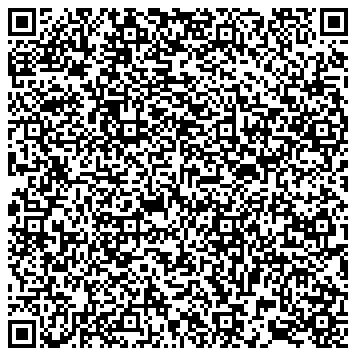
- Scan this code with the tablet. A tablet that cannot verify the code’s signing fingerprint refuses to go on.
- muralis-latest.apk 1,625 KB
- The app, exactly as Google Play signs and distributes it.
- muralis-latest.apk.sha256
- Checksum of the file above, in sha256sum's format.
- provisioning-qr.json
- What the provisioning QR encodes, character for character.
- provisioning-qr.svg
- The QR itself.
Authenticity
Two different fingerprints, for two different questions.
The file checksum, the SHA-256 of the APK, proves that your download is exactly the file published here. It will not match an app installed from Google Play, because Play builds its own APK for each device.
a5c2c4531c64811d18b828e8929f2aa25ed433aa3bdd256b5c24aa9b0176c01cThe certificate fingerprint, the SHA-256 of the certificate the app is signed with, proves who made it. It is Google’s app signing key for Muralis, the same for this file and for every install from Google Play, and it does not change between releases:
7e76196a63e6f1a98a124fb3072956d1c91ed503f61480bd7c4221d30e9dfd91Read it back off the file yourself:
apksigner verify --print-certs muralis-latest.apkGenerated from the APK in this directory by scripts/generate-download.py.